Overview
How to clear cache and cookies on an IOS (iPhone).
Instructions
-
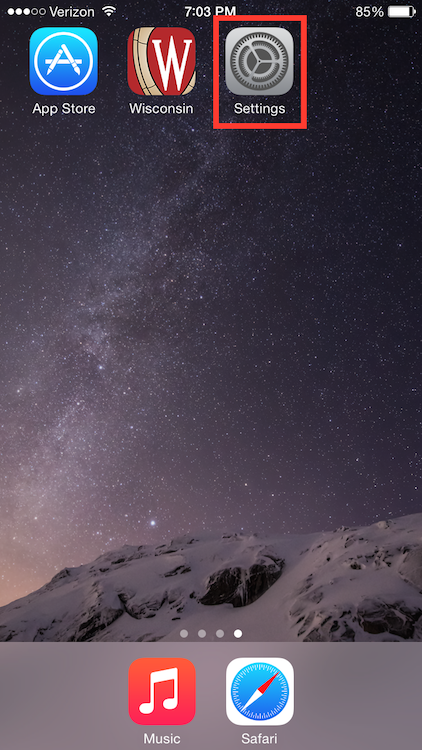
From the home screen, tap the Settings button.
-
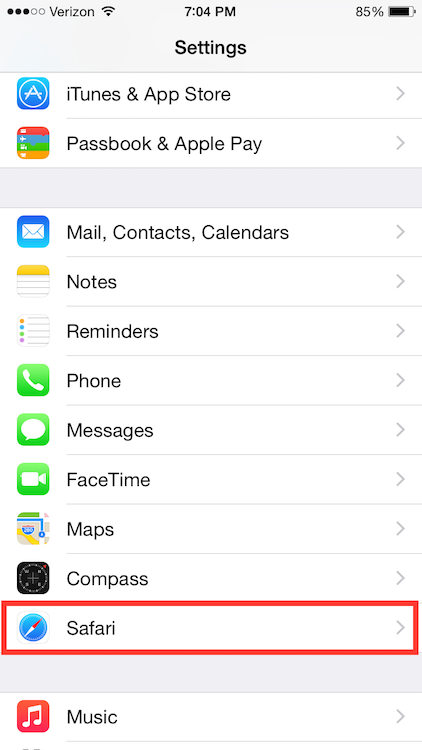
On the Settings screen, scroll down and tap the Safari button.
-
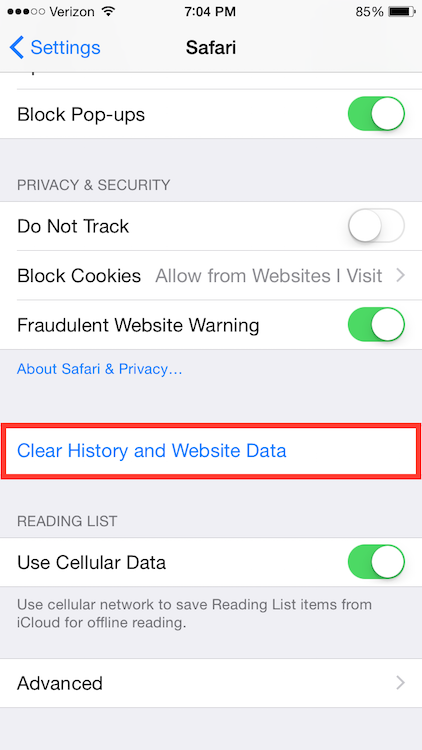
Under the 'Privacy' section of the Safari screen, tap the button labeled Clear Cookies and Data.
-
On the confirmation screen, tap Clear Cookies and Data.

These steps are found here: https://kb.wisc.edu/page.php?id=24085